Three amps.
One capture.
AMPWELD welds up to three neural amp captures into a single new tone — then saves it as a capture you can load anywhere, or straight onto an HX Stomp. Free. Your captures never leave your computer.
▸ ampweld.mrdeesmusic.com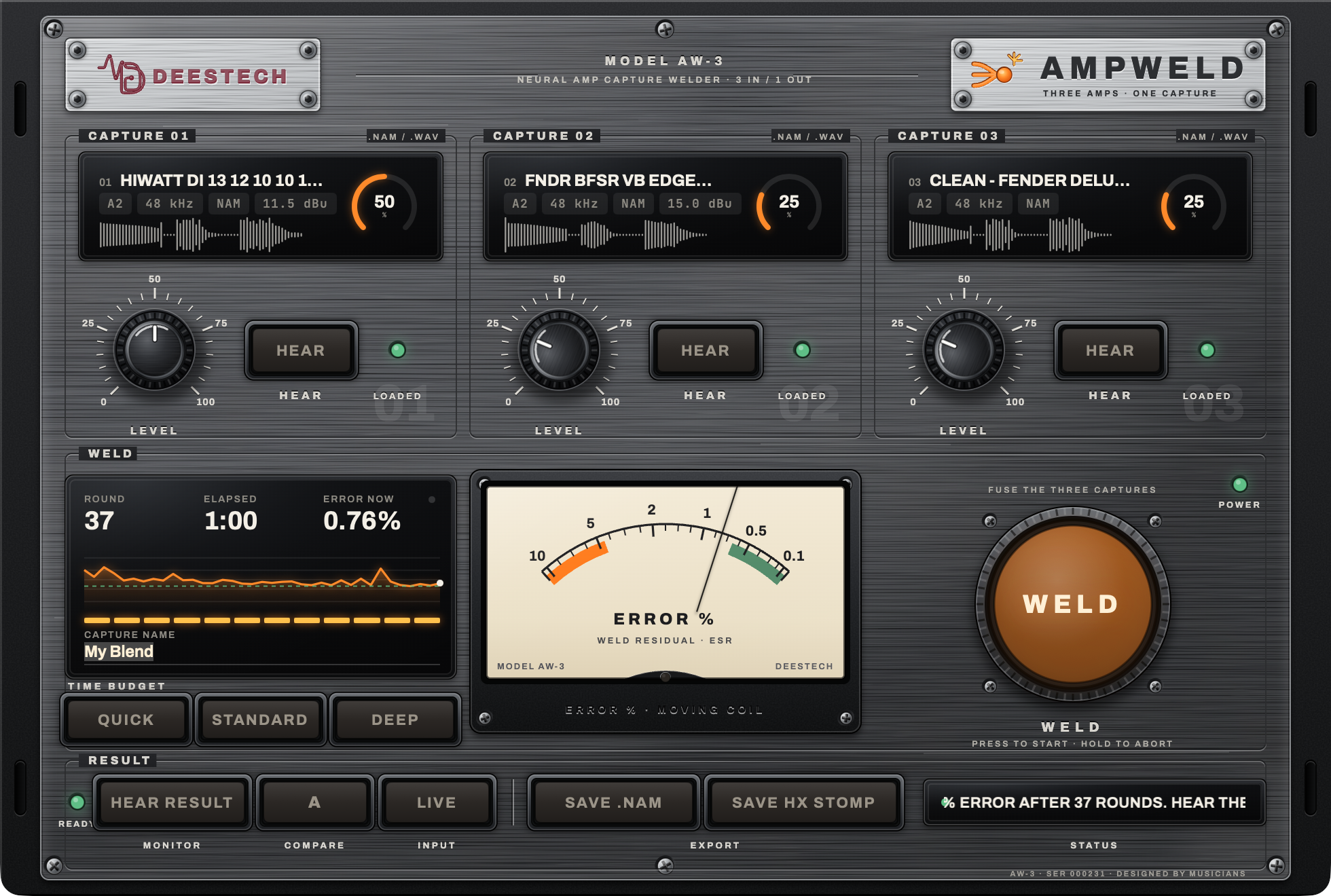
How it works
01 — Under the hoodCaptures in
Drop 1–3 NAM captures (any kind: A1, A2 Full or Lite). Each bay reads the file and shows its waveform.
Every amp plays the same guitar
A test guitar signal runs through each capture at matched level, so you hear them side by side on equal footing.
Your mix becomes the target
The level knobs set the recipe. AMPWELD aligns the amps, balances loudness and mixes them into one target sound.
A new amp learns the target
A fresh capture is trained to match that blend. The needle shows the error dropping, round by round, while you watch.
Out as one file
Export a standard .nam capture, or a ready-to-load HX Stomp file. Load it in any NAM player, pedal or plugin.
How to use it
02 — Five minutes, start to finishOpen it and drop your captures
Go to ampweld.mrdeesmusic.com in Chrome, Safari or Edge. Drag a .nam file onto each bay (one is fine, three is the magic). The LOADED lamp lights when it's ready.
Dial the recipe
Turn each bay's knob to set how much of that amp you want. Press HEAR on a bay to solo it, then HEAR BLEND to hear the mix you're about to weld.
Pick a time and weld
Choose Quick · Standard · Deep (3, 8 or 20 minutes). Three minutes gets you most of the way; twenty squeezes out the last bit of accuracy. Press WELD and watch the ERROR % needle fall. Hold WELD to stop early.
A/B it
HEAR RESULT plays the new amp. Flip A/B to compare it with the blend it learned from. Plug your interface in and switch on LIVE to play through it in real time.
Save it
SAVE .NAM gives you a capture for any NAM player. SAVE HX STOMP gives you the file to load on a Stomp running NAM mode. Name it in the display first.
Convert any capture for the Stomp
No welding needed: drop any .nam onto SAVE HX STOMP or use the converter under the unit. Full-size captures are distilled to Stomp size automatically.