How to Import NAM Captures to Hotone Pedals (Step by Step)
NAM (Neural Amp Modeler) captures sound incredible — and your Hotone pedal can run them. Here's the clean, no-stress way to load them and build a patch around them.
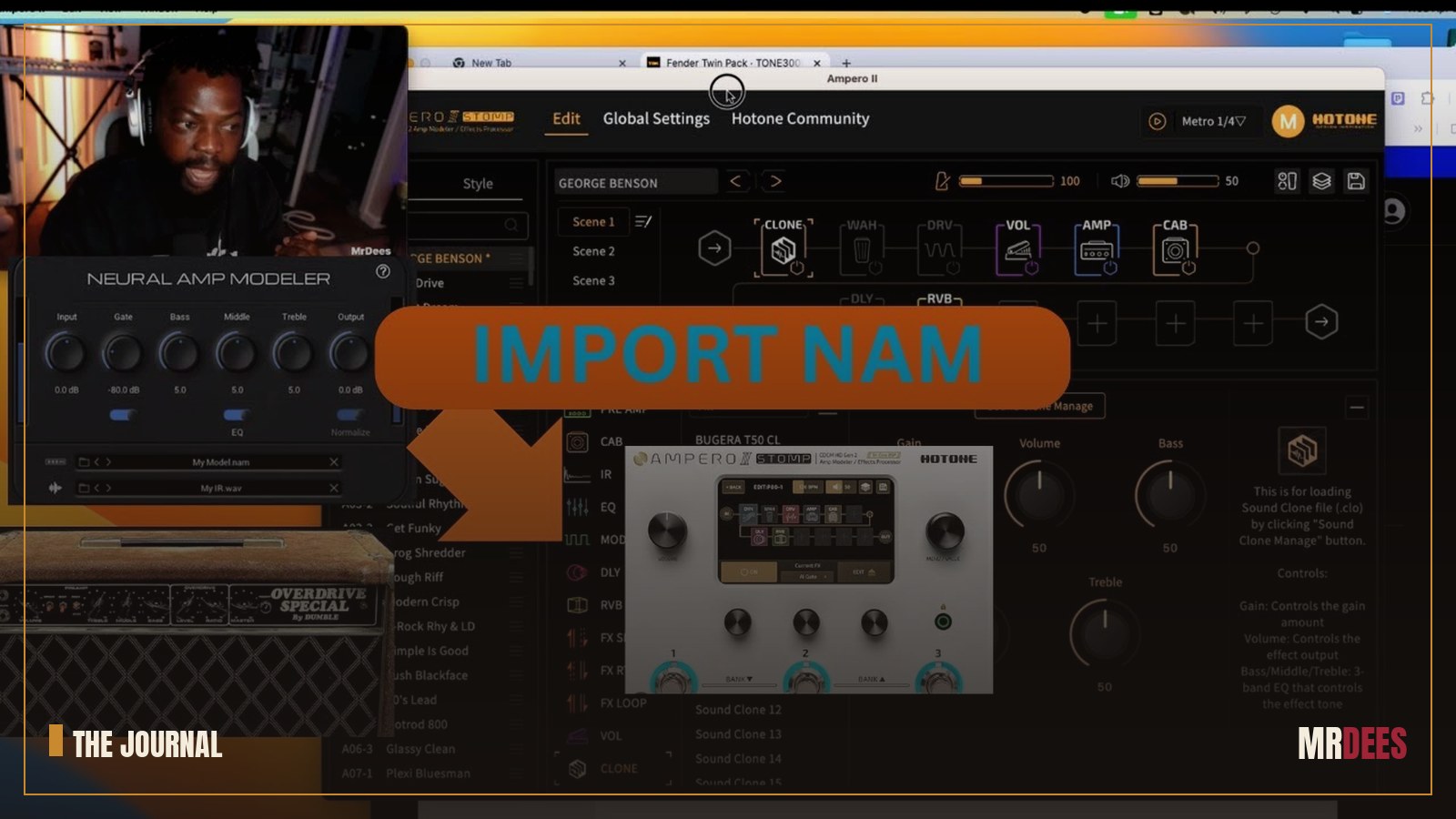
NAM — Neural Amp Modeler — is some of the most realistic amp capture tech out there, and the best part is it's free and open. Even better: modern Hotone pedals can load NAM captures, which means studio-grade amp tones in a tiny box. The only hurdle is getting them in. Here's how I do it, cleanly.
Before you start: make sure your Hotone pedal is on the latest firmware (NAM support arrives via updates) and grab the Hotone editor for your computer.
Step 1 — Get your NAM captures
Download .nam files from the NAM community (ToneHunt and friends) or capture your own. Keep them organised in one folder — you'll thank yourself later. Pick captures that suit the part: a clean Fender-style for sparkle, a cranked British amp for drive, etc.
Step 2 — Connect the pedal to your computer
Plug in over USB and open the Hotone editor. Let it recognise the pedal and sync. This is your workspace for moving files on and off the unit.
Step 3 — Load the NAM capture into an amp block
In your patch, add/select the NAM (amp model) block and import your .nam file into it. The capture now is your amp — no separate amp sim needed in front of it.
Step 4 — Build the rest of the chain
A capture is just the amp. Finish the tone around it:
- Add an IR / cab (NAM captures are often amp-only — a good cab IR is what makes it sing).
- Drop a drive or boost in front for gain and feel.
- Set levels so the patch matches your other presets.
Step 5 — Save, name, and gig it
Save to a patch slot, name it clearly, and A/B against your go-to tone. Trust your ears over the hype.
Gear used in the video
- JHS Color Box V2 — on Amazon
- Line 6 Pod Express — on Amazon
- Mixer (alt option) — on Amazon
- 3.5mm adapter — on Amazon
🎛️ Want a head start? Download my preset pack · 🎵 Hear the finished song
Make that capture sound like a record
A NAM capture gets you the amp. To make it sit in a mix, I finish with a little Neo TUBE for tube warmth and harmonics, and CLEAN Air for the top-end sheen. A touch of each turns a great DI tone into a produced one.
See it in action
Watch the full walkthrough
Captures put a world of amps in your pocket. Once you've done this once, you'll never look at a tiny pedal the same way again.